Pages

Showing posts with label feedback. Show all posts

Saturday, July 6, 2013

Use Geoffrey Glass' Marginalia to annotate forum posts in Moodle 2.5+


Hi.
Remember Geoffrey Glass' Marginalia? The cool forum annotation tool for Moodle 1.9 and Moodle 2.0? I initially thought that it only worked with Moodle 2.0. I managed to get it to work in Moodle 2.5+ with some sleuthing and tinkering around. I think that it's a great tool for English tutors and teachers as you can annotate text and words within a standard Moodle 2.5 forum! It's great for (manually) correcting spelling or grammar errors in students' forum posts. 


Most of the code is Copyright (c) 2005-2011 Geoffrey Glass and the United Nations. Marginalia is one of those unique plugins that once you realise what you can do with it, you'll wonder why you never used it previously for your Moodle site.


Sunday, December 30, 2012

Gamification and the Moodle Wonderwall.


I figured out the how to include sentence statistics and have added in a gamification element/dimension to the Wall. It's getting more interesting.


I. Giving feedback with word statistics for a Wall post. 
I thought that it might be useful if the number of words, sentences per post and the average words per sentences might be useful information to be shown after each Wall post.


Try this out:
Username: studentscm
Password: studentscm


My iframe embed code is:

<iframe width="90%" scrolling="auto" height="700px" frameborder="0" align="middle" name="Embedded Frame" src="http://www.moodurian.com/wall/index.php?Order=0&CourseId=28&Id=1&Likes=1&Datestamp=0&WordStats=1&WordLimit=200&AdminOnly=0&Email=2&Desc=Announcements&MinWords=10&MinSentences=3" marginheight="4px" marginwidth="4px"></iframe>

The interpretation is this: the teacher has told the class that his/her expectation is that every post to the wall must meet a minimum number of 10 words, and must have a minimum number of 3 sentences. Those posts to the Wall that meet these two criteria will be rewarded with an icon each (gamification element here).

 The student is awarded this stamp  If he or she
meets the minimum words per sentence average.


The student is awarded this stamp  If he or she 
meets the minimum number of sentences in the post.

Check it out. I've done it. That's a whole new element to the Wall. Lots of possibilities to create visual cues to the teacher as to who did what and who didn't achieve what. And lots of possibilities for students to be rewarded with stamps and icons and stuff for meeting the teacher's requirements/expectations.


II. Adding a Readability Score to a Wall post.
Every heard of the Flesch-Kincard Readbility score?


I also surfed over to these sites:
and implemented the Flesch-Kincaid Readability score test on the Wall.

(The website www.readability-score.com uses the PHP code available from https://github.com/DaveChild/Text-Statistics specifically from this download link: https://github.com/DaveChild/Text-Statistics/archive/master.zip)
So anyway, the readability scores translate as follows:

Flesch Reading Ease ScoreFlesch-Kincaid Grade LevelTypical ageStyle description
Elementary School *
16-7
27-8
38-9
49-10
Middle school *
90 to 100510-11very easy
80 to 90611-12easy
70 to 80712-13fairly easy
60 to 70813-14standard
High school *
60 to 70914-15standard
50 to 601015-16fairly difficult
50 to 601116-17fairly difficult
50 to 601217-18fairly difficult
Post-secondary education (College or University) *
30 to 401318-19difficult
30 to 401419-20difficult
30 to 401520-21difficult
30 to 401621-22difficult
Graduate education *
0 to 3022+very difficult
*) Education in the United States. 

Source:

Here's a simplified scale of the scores.
   if($n >= 90) return "Very easy";
   else if($n >= 80) return "Easy";
   else if($n >= 70) return "Fairly easy";
   else if($n >= 60) return "Standard";
   else if($n >= 50) return "Fairly difficult";
   else if($n >= 30) return "Difficult";
   else return "Very confusing";

I dumbed it down a bit, since I only have five icons (see attached gifs!), to this
slightly simplified structure:
   80-100 : Very Easy 
   70-89 : Easy  
   50-69 : Standard 
   20-49 : Difficult 
   0-19  : Very Difficult 

I programmed the PHP function from the github link into message_ajax.php of the Wall and you can take a look at the screenshot after a typical post. Mouseover your mouse cursor onto the icons and you have a nice popup text description.


So now, you have not only a numeric Readability score, you also have a set of visual colourful icons to indicate the level of readability of the student's wall post.

BTW, I tried the following speeches on the Wall, and here are the results:
Obama's speech at the memorial wake in Newtown, Connecticut = high 90s
Queen Elisabeth I's speech = low 40s
So the Flesch-Kincaid readability algorithm does seem to work fine.

The php code from the github link also allows me to program these readability scores functionality into the Wall:

          * Flesch Kincaid Reading Ease
          * Flesch Kincaid Grade Level
          * Gunning Fog Score
          * Coleman Liau Index
          * SMOG Index
          * Automated Reability Index

        The same code also can give:
          * String length
          * Letter count
          * Syllable count
          * Sentence count
          * Average words per sentence
          * Average syllables per word

Summary: I've added in visual cues to a student's post so that both the teacher and student will know if the post meets the teacher's expectations. In addition, a readability score is added to the post.

I'm sure that the Gamified Wall can be useful in language classes where feedback is important.

Regards
Frankie Kam


Sunday, July 17, 2011

How to use the humble comma delimited (CSV) file to display private coursework marks right on your Moodle coursepage

Today's post is about a crude but effective method to display confidential user coursework data on any Moodle 1.9.x course page. All you need is the Display Data mod (created by Serafim Panov) and an Excel spreadsheet saved as a CSV (comma delimited) file. You can even dispense with Excel and just use good old Notepad to create the CSV file!

Do you like to use Excel to store your students' coursework marks? Like this?


Would you like to feedback the detailed marks to your online-Moodle students, but are concerned about privacy issues?

If replied "yes!" to both questions, then boy oh boy, do I have a treat for you. It's a Moodle treat from 2007 and it's really very simple to use.

Sunday, July 3, 2011

Marking online submissions of PDF files

Thanks to this UploadPDF module by Davo Smith, and this post by Joseph Thibault, I've now enabled my Moodle site to receive online submissions of PDF files, AND direct annotation on those submissions.

To get the assignment module to work, Ghostscript (GS) has to be installed on your server. If your Moodle server doesn't have GS installed, then you might want to request your Web hosting company to do it for you. Or you might want to DIY it.  I use a Centos Virtual Private Server to host my Moodle site. At this time of posting, the latest version of GS is 9.02. These 2 links helped me to install GS on my VPS:
http://linuxadminzone.com/install-html2pspdf-library-to-create-pdf-files-using-php/
and
http://mirror.cs.wisc.edu/pub/mirrors/ghost/GPL/current/
So NOW, I can get my students to save their homework or assignments in PDF format (Ms Word 2010 allows one to save in PDF format), and to submit their work in PDF format. Here's how it worked out for me. I created a dummy PDF file and logged in as a student account and uploaded it as a dummy test file.

Next, I logged in as my usual account and proceeded to annotate the PDF file submission.
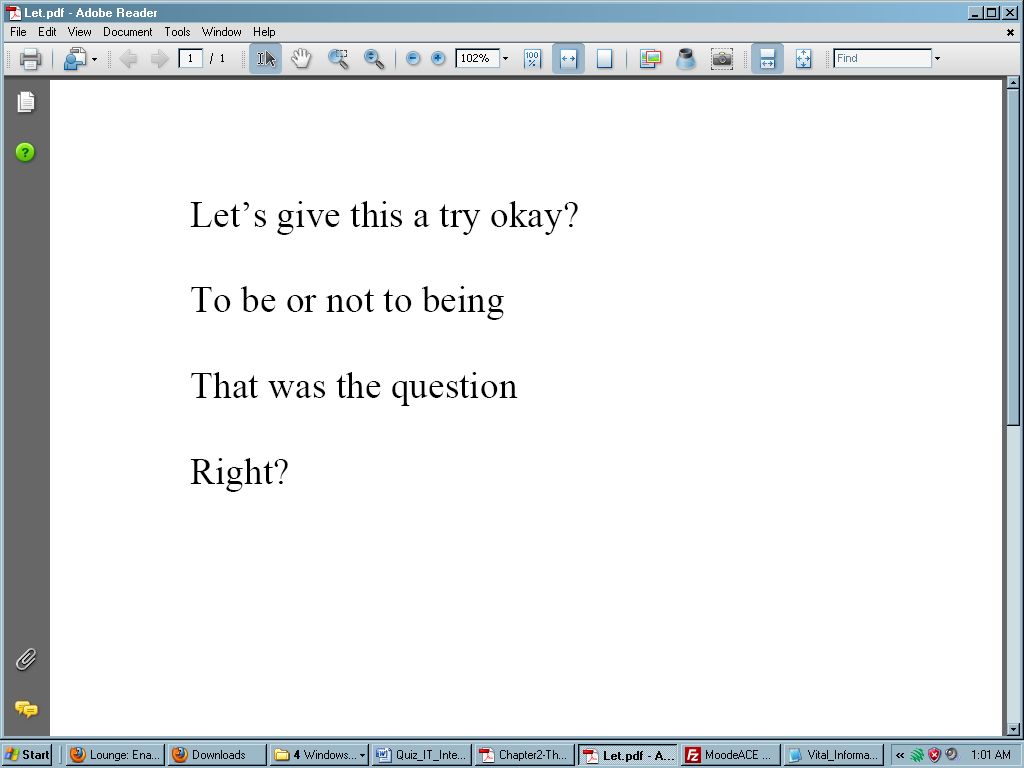
After all, I didn't want Shakespeare to roll in his grave as a result of the "howlers" in the submission.
Here's what I did to the original PDF file while online on my Moodle site:

After I have finished annotating the PDF file, the (hypothetical) student is able to access/download the annotated PDF submission while logged in in his or her account. Now is that a great feedback mechanism or what? The best thing is the annotation tools of this module now allow me to give feedback to my students, RIGHT INSIDE THE PDF file itself! AWESOME. Simple AWESOME.

Note: this post was originally posted on http://moodle.org on 19th April 2011.


Sunday, June 5, 2011

Adding video feedback to the Assignment activity

Hi. An important element of the Moodle assignment activity is feedback from the facilitator. Do you give feedback to students inside the Assignment activity? I don't know about you, but I personally find giving feedback a chore. Especially when one is bogged down with lots of paperwork and preparation. It shouldn't be a chore since quality feedback is very important to students' learning.

By default, Moodle 1.9's feedback section of the activity is text-mode. How many of you had at one point or other had wished that you could give video feedback? Well, the good news is that Kevin Brake has created a Forum Video Recorder that works inside Moodle forums. I am also happy to announce that I have used Kevin Brake's excellent code, some sleuthing and hacking of a Moodle 1.9.7 core file to enable video feedback within the assignment activity itself.


To give video feedback, you will need to:
1. use a working webcam (obviously)
2. install Kevin Brake's excellent Forum Video Recorder. For instructions on how to use it, click here.
    To know how to install it, click here.
3. have Java Runtime installed
4. have the QuickTime plugin installed. In case QuickTime gives your Wbb browser problems,
    download and install QuickTime alternative
5. insert some code inside /mod/assignment/submissions.php.
    To see the Moodle 1.9.7 file that I used, download the submissions.php file.

Ratings and Recommendations by outbrain